How to make audio, step by step
No sign-up, no install, nothing to pay. Five steps, about a minute of work.
1. Write or paste the text
The box takes up to 1000 characters — around 150 words, or roughly a minute of speech. The counter on the right shows what is left. Write with punctuation: full stops and commas are how the model knows where to breathe.
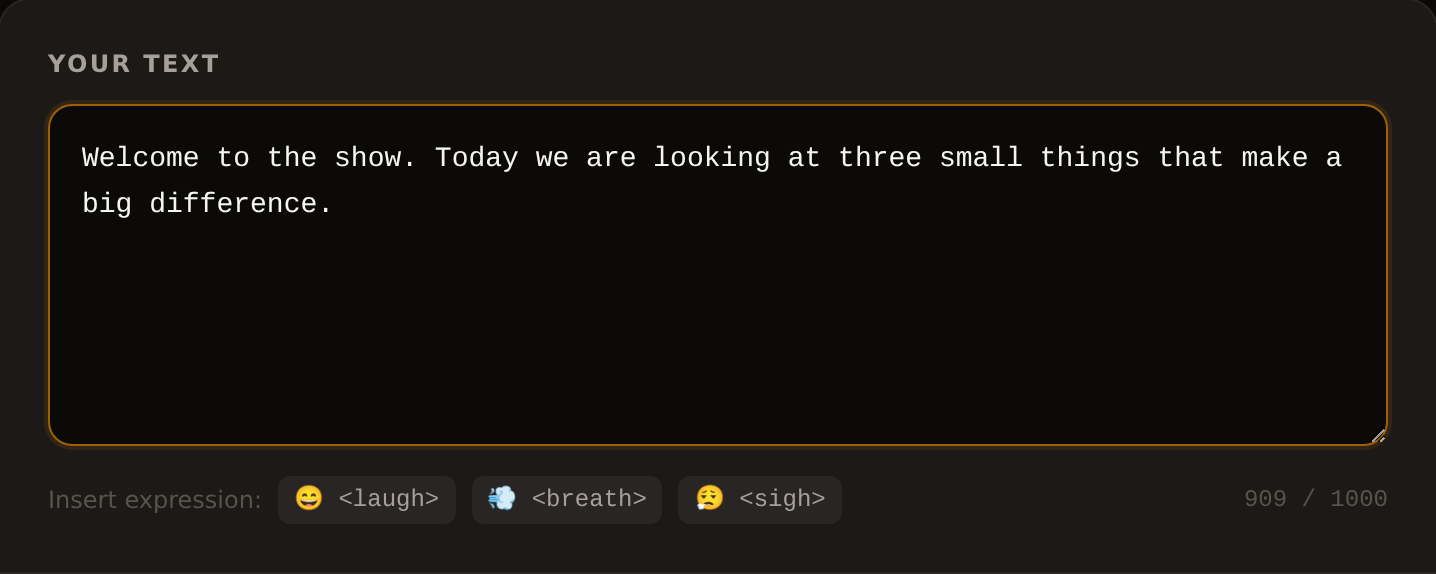
The three little buttons underneath insert <laugh>, <breath> and <sigh> — real sounds, not emoji. Put them between sentences rather than mid-phrase.
2. Choose the language of the text
This is the language your text is written in, not the language of the site. If you write Bulgarian while the language is still set to English, the letters get read as English and nothing works. All 31 languages are listed on the languages page, along with how fast each one reads.
3. Choose a voice
Ten voices — five male (M1–M5) and five female (F1–F5). Each of them speaks all 31 languages, so language and voice are independent. If you do not know where to start: M1 and F1 are the neutral ones, M5 and F3 are for long text, F4 is the liveliest.
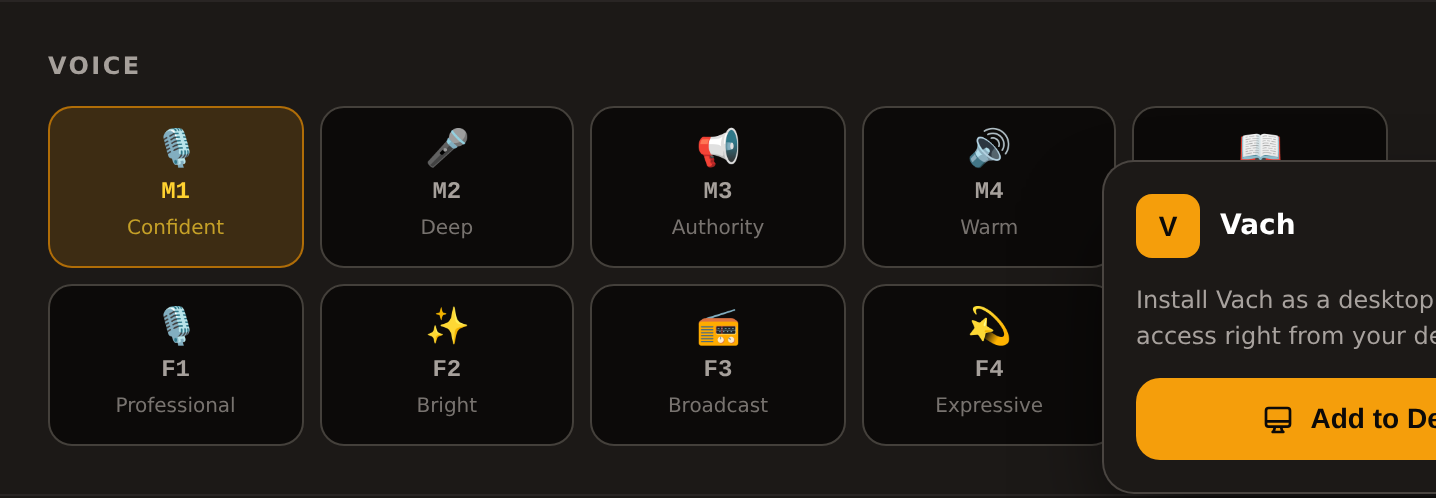
Samples of all ten, with measured pitch and speaking rate, are on the voices page.
4. The settings, if you need them
By default you touch nothing and get your recording. Under “Advanced settings” there are three sliders: speed (it divides the length — 1.5 makes the audio a third shorter), quality steps (they do not change the length, only the time to produce it — 4 steps are about nine times faster than 40) and pause between sentences (it adds exactly that much silence at every full stop).

The working habit: draft at low steps while you are still fixing the text, final take at high steps.
5. Download, embed or share
The finished recording plays right there in the page. From it you get three things: a WAV download (44.1 kHz, mono — the format every video editor takes without converting), a link to copy, and an embed code for another site.
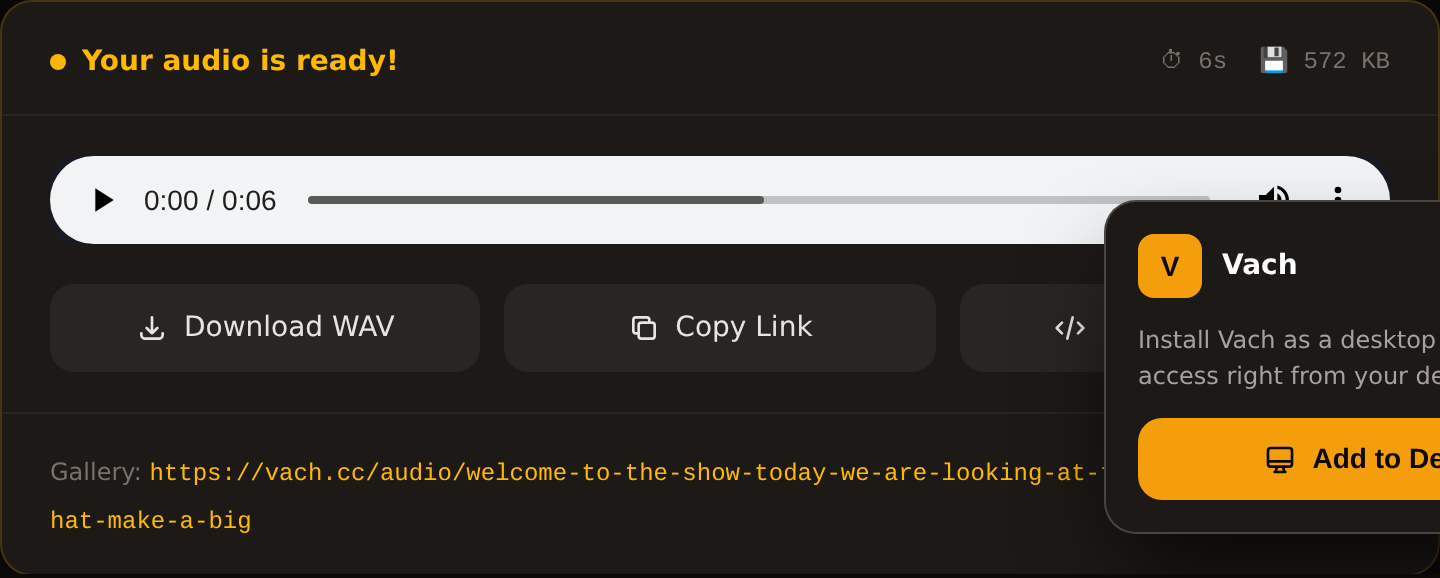
The “make this audio public” tick is off by default. Turn it on and the recording appears in the shared gallery with its own address; leave it off and it stays between you and the link you hold.
If something goes wrong
- The words sound like another language — the dropdown does not match the text.
- Sentences run into each other — punctuation is missing; add full stops.
- The recording is longer than the slot — raise the speed or cut a sentence.
- It takes a long time — lower the quality steps while you are drafting.
- Long text will not run — it is over 1000 characters; split it by paragraph.